Android - HK Kalender
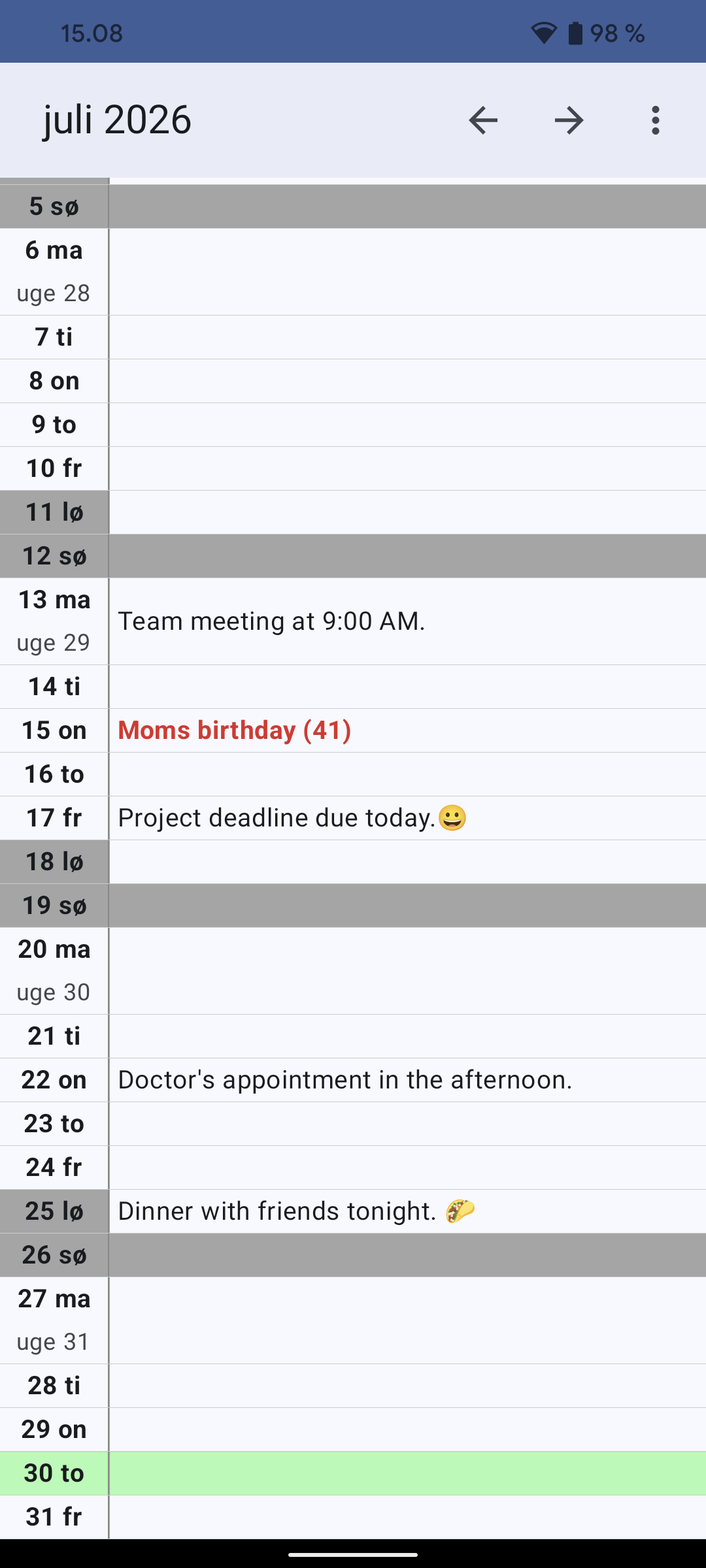
HK-Kalender is a personal calendar app designed for quick and easy management of daily notes, events, and shift schedules.
Navigation
Use the arrows at the top to change the month. You can also tap directly on the month name to select a specific year and month.
Daily Notes
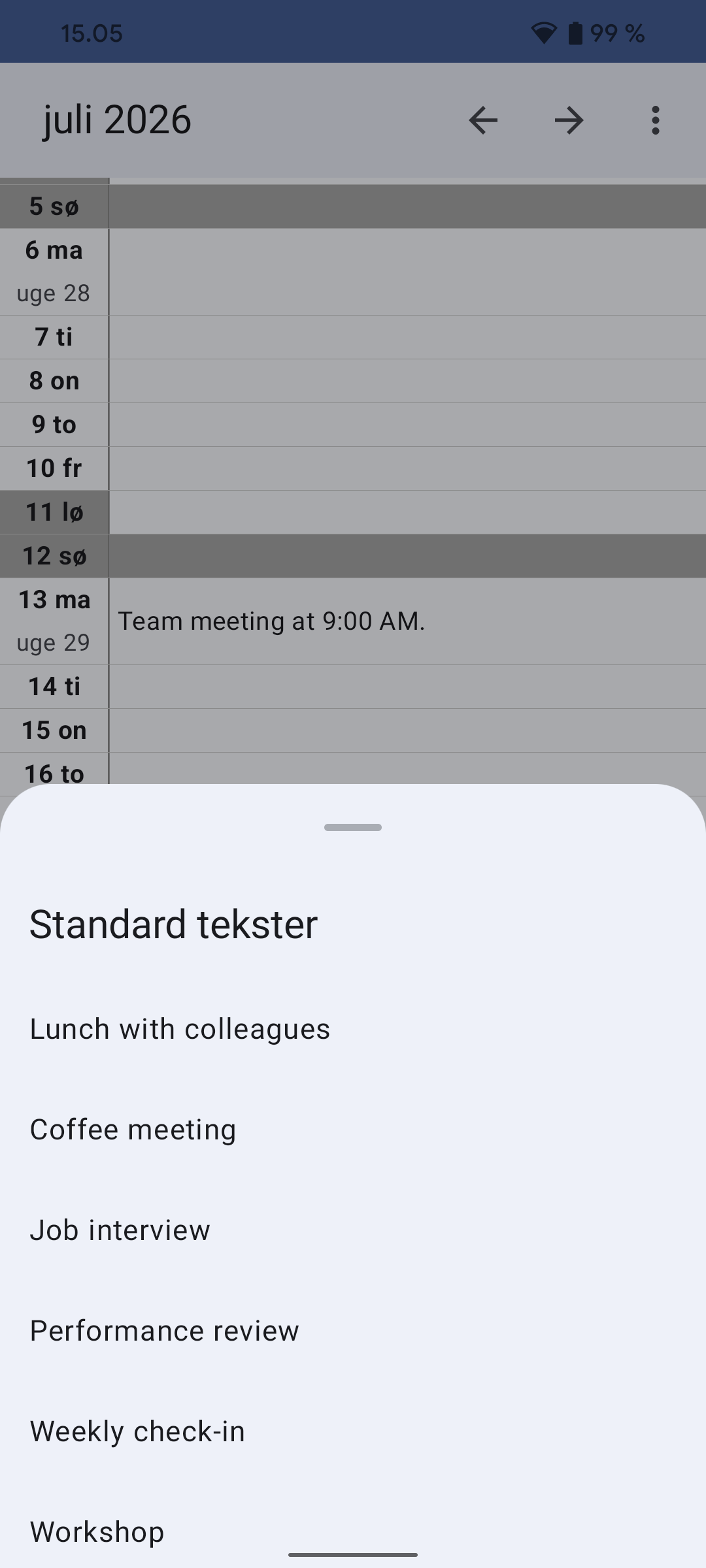
Tap any day to open the editor. Here you can type text, use the microphone icon for voice input, or select predefined texts from your personal list of standard texts.
Quick Text (Long Press)
If you hold your finger down on a date in the calendar, your list of standard texts opens immediately. This is ideal for quickly inserting shift types or repetitive activities.
Events & Anniversaries
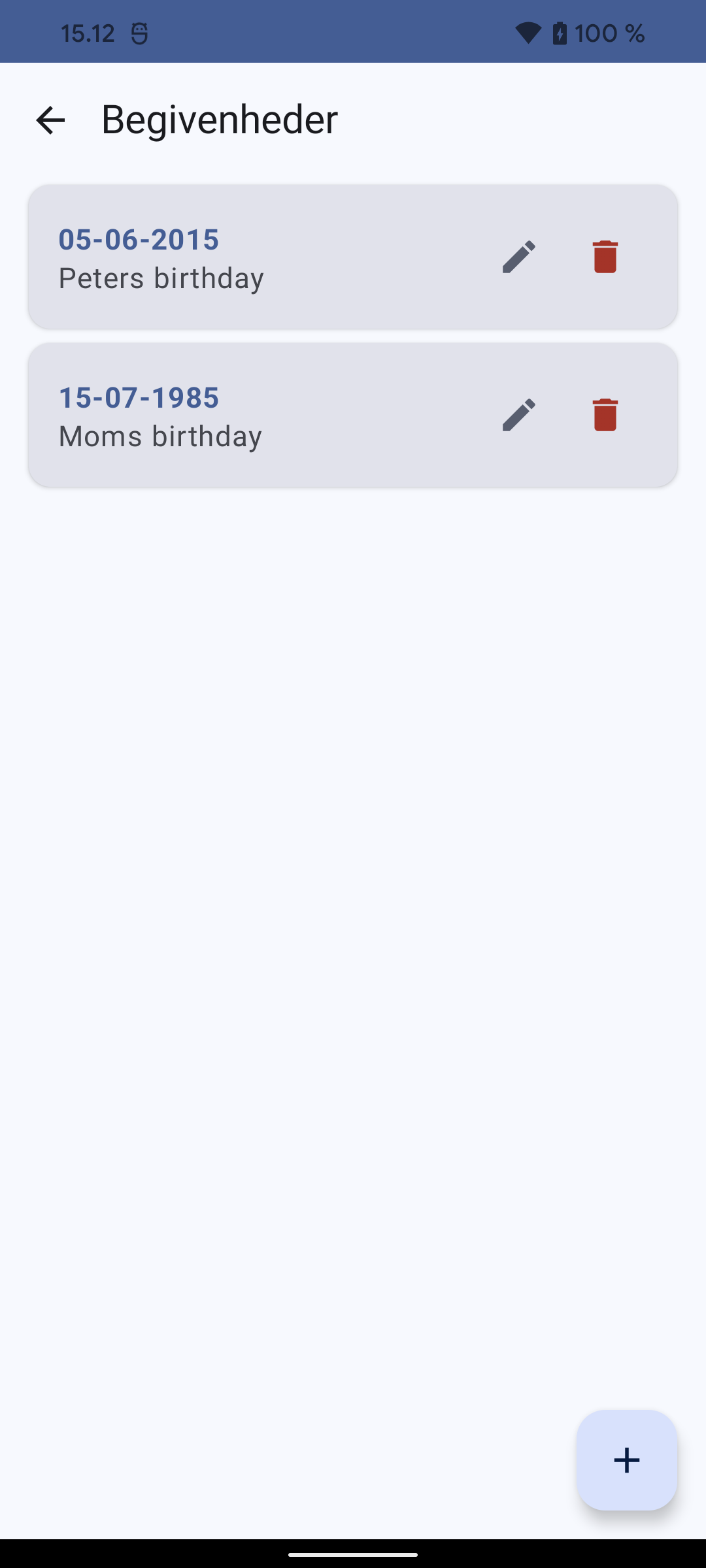
In the menu, you can manage two types of fixed dates:
- 1. Events (Red): Typically used for birthdays or anniversaries, where the birth year can also be saved.
- 2. Various dates (Grey): Used for other recurring annual events.
Backup (FTP)
You can upload all your calendar files to your own FTP server via "FTP Backup" in the menu. This ensures that your data is not lost if you change phones.
Customization
In "Setup" you can choose between light and dark themes, change text sizes to optimize readability, and choose whether holidays and week numbers should be displayed.
Version log
- 1.27: Added Search functionality: Quickly find daily notes and events across all years. Live results update as you type, and clicking a result jumps directly to the selected date.
- 1.26: Improved Setup screen with Sliders and live previews for all size/padding settings. Added localized preview texts. Optimized UI performance to prevent jumping. Enforced consistent row height and text scaling across all devices.
- 1.25: Added Vertical Padding and Line Height settings in Setup. Fixed text size scaling issues to ensure consistent display on all devices regardless of system font settings. Set default vertical padding to 4.
- 1.24: Improved line break handling in lists by using
instead of \n, ensuring consistent display across all Android devices. - 1.23: Improved calendar layout with dynamic date column width, optimized performance, compacted Monday view, fixed text size settings with validation/hints in setup.
- 1.22: Fixed text formatting labels to support all 4 languages, corrected delete confirmation message for standard texts, and improved general UI translations.
- 1.21: Added bold/italic formatting, color picker in note editor, fixed multilingual weekend colors, improved help section, and set Light theme as default.
- 1.20: Faster theme startup (no flicker)
- 1.19: Complete modernization: Migrated to AndroidX and Kotlin. Rewrote entire UI using Jetpack Compose and Material 3. Added manual theme selection, improved performance, and refactored all screens for a modern experience.
- 1.18: Minor changes and corrections
- 1.17: Build with AS 4.1.1 for Android 10+
- 1.16: Build with AS 3.3
- 1.15: Runs on android 4.0.3+ now
- 1.14: Upgrade to Android 5+
- 1.13: Some small changes and fixes
- 1.12: Copy, cut and paste in note edit did not work with Android 4+
- 1.11: Oops! FTP backup did not work after last update. Enable / disable week numbers
- 1.10: Minor bug fix, Danish holidays were shown at startup even though it was disabled
- 1.09: Some small changes and fixes
- 1.08: FTP Backup
- 1.07: Minor bug fixes
- 1.06: German language corrected. Minor bug fixes
- 1.05: Ability to change the column height and text sizes. View battery level
- 1.04: Swedish language added. Context menu with standard texts added to the calendar main screen
- 1.03: English and German language added
- 1.02: First public version, Danish only
Skærmbilleder